
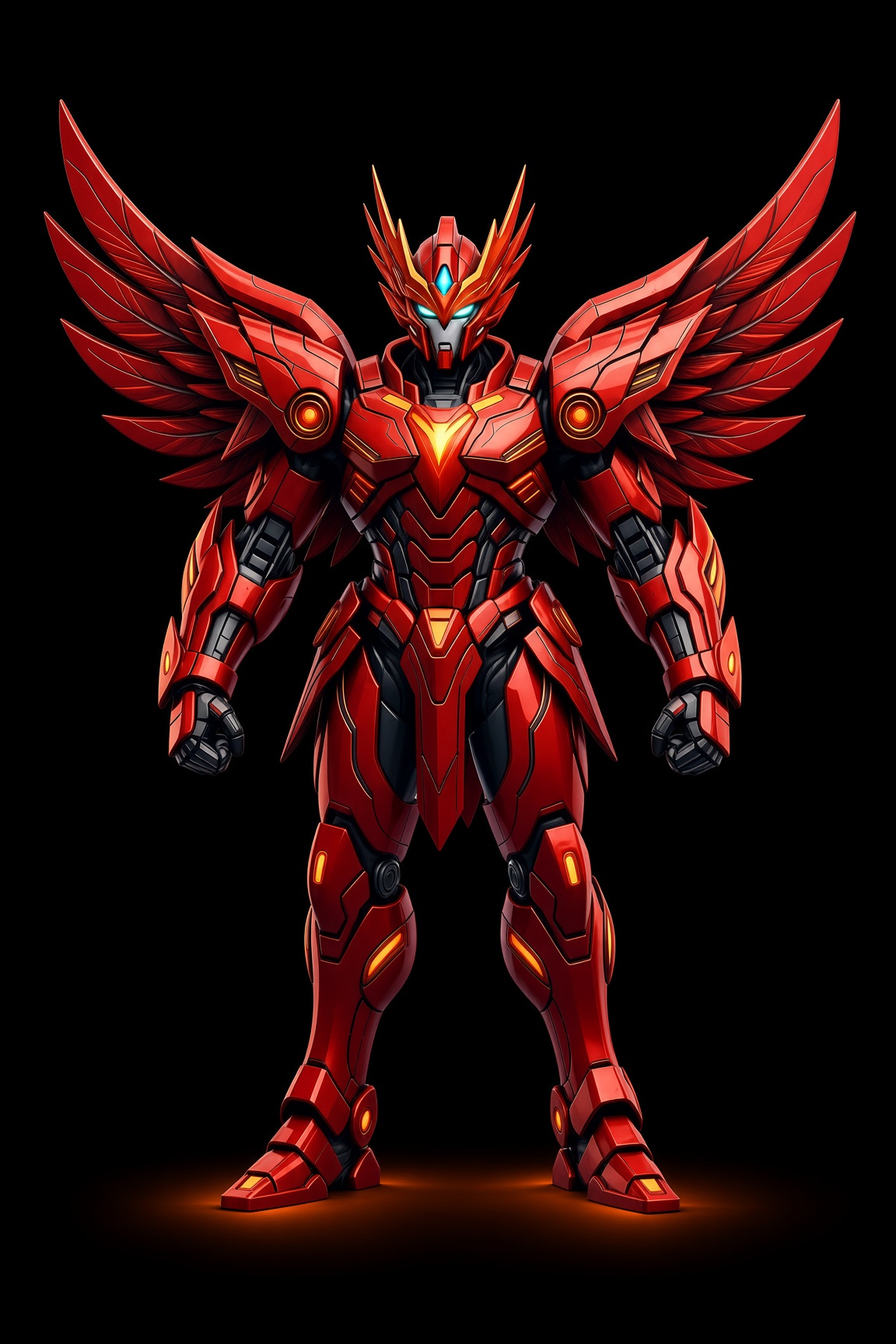
 v1.0
v1.0Phoenix Power App
Chat, AI Agent with voice, games, and the video lab — on your phone.
Get the appOpen in browserDownload
Install Phoenix Power on your phone. Open an app, then Add to Home Screen.
v1.0Chat, AI Agent with voice, games, and the video lab — on your phone.
Get the appOpen in browser Shop
ShopFlame drop 01. Wear it. Collect it. Same catalogue as this site.
Get the appOpen in browser Flight
How to install